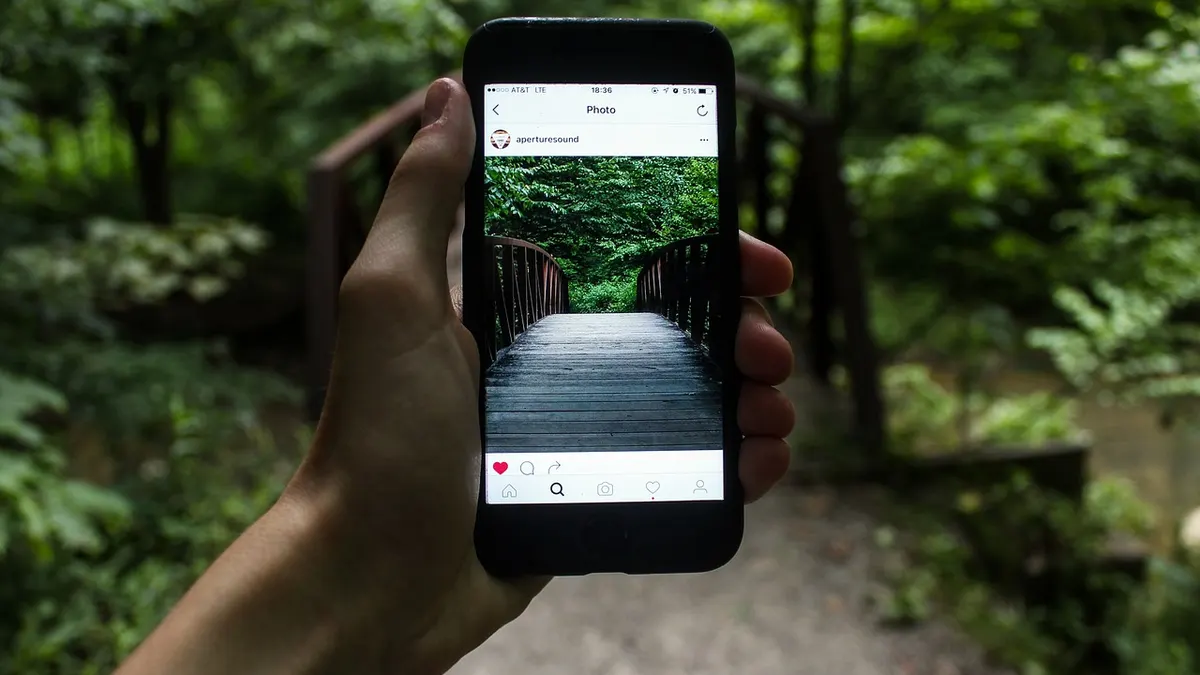
 An iPhone in hand. Photo: Jeremy Levin, CC0, via Wikimedia Commons
Many customers in the US and a good share in India use iPhones, and an iPhone app can be a strong way to reach them. It also comes with Apple's own rules, fees and review process, which surprise first-time app owners. This guide walks through what iOS app development involves, using Apple's own documentation, so you can plan the budget, the timeline and the questions to ask your developer.
The short answer
iOS app development is the work of designing, building, testing and publishing an app for iPhone and iPad. Apple describes Swift as its programming language for all Apple platforms and Xcode as the toolset to develop, test and distribute apps. To publish, you need an Apple Developer Program membership, which Apple lists at 99 US dollars a year. You then test with TestFlight, submit for App Review, and release on the App Store. Plan for review feedback, because Apple's own data show that incomplete submissions are the most common problem.
The tools your developer will use
You do not need to learn these, but it helps to know what the quote is paying for.
Swift. Apple says Swift is designed to be safe, fast and expressive, and that it can coexist with Objective-C and C++ code in the same project, which matters if an older app is being updated.
Xcode. According to Apple, Xcode offers tools to develop, test and distribute apps for Apple platforms. Its documented features include previews for SwiftUI, UIKit and AppKit views, simulators for Apple devices, a debugger, Instruments for performance analysis, and Xcode Cloud, a continuous integration and delivery service built into Xcode. Apple also states that Xcode supports coding models and agents from Anthropic, Google and OpenAI, so your developer may use AI help while building.
Simulators and real devices. Apple's Device Hub is described as a way to test on physical devices and simulators from one place. Ask your developer to test on real phones, not only simulators.
If you are also deciding about Android, our guide to Android app development covers the equivalent tools, and the native vs cross-platform comparison helps you decide whether to build once for both.
What Apple charges and what it gives you
Apple's Developer Program page lists three levels:
| Level | Cost | What it covers |
|---|---|---|
| Free account | Free | Beta versions of Xcode and operating systems, and testing on your own devices using Xcode |
| Apple Developer Program | 99 US dollars a year | Distribution on Apple platforms, TestFlight, analytics and sales reports, and code-level technical support |
| Apple Developer Enterprise Program | 299 US dollars a year | Private distribution to employees through a secure internal system or MDM; Apple says organisations may be eligible |
You can enrol as an individual or as an organisation. For a business, we recommend an organisation account in your company's name, so the app does not belong to a developer's personal account. Apple adds that certain types of apps, such as those in banking and financial services, cryptocurrency, healthcare, gambling and air travel, must be submitted by the legal entity that provides the services, not an individual developer.
Apple says the App Store lets users in 175 regions discover and download apps, and that Apple handles worldwide payment processing and hosting.
The stages of an iOS project
1. Scope
Define the first version: who it is for, the few things users must be able to do, and what you will leave out. Apple's review guidance warns that apps with little functionality or content, or that only apply to a small niche, may not be approved, so make sure the app offers real value beyond your website.
2. Design
Apple publishes Human Interface Guidelines that its reviewers expect apps to follow. Ask your designer how the screens follow them, and check them on different device sizes.
3. Build
Your developer writes the app in Swift in Xcode and connects it to your back end and any services. Put ownership of the code, the accounts and the design files in writing; our note on who owns the code in an app development agreement explains why this matters.
4. Test with TestFlight
Apple describes TestFlight as a way to invite testers to try beta builds before release. According to Apple's pages, you can designate up to 100 internal testers from your team, invite up to 10,000 external testers by email or public link, and give testers feedback tools such as screenshots and crash reports. Testers can install builds on up to 30 devices. Your first build for external testers must be approved by App Review for TestFlight.
5. Submit for App Review
Apple reviews all apps and updates submitted to App Store Connect. It says App Review works around the clock, typically reviewing at least 50 percent of submissions in less than 24 hours and 90 percent in less than 48 hours. You provide review information, including a working demo account if the app needs a login. If you leave this out, Apple warns that the review may be delayed or the app may not pass.
6. Release and maintain
Apple's App Store Connect provides analytics on engagement, campaigns and monetisation. Budget for updates when new iOS versions arrive and for fixes found after launch.
Why apps get rejected
Apple highlights the most common issues, and says that over 40 percent of unresolved issues relate to guideline 2.1, App Completeness. Avoid these:
- Crashes and bugs. Test on devices running the latest software and fix bugs before submitting.
- Broken links. Apple says every app needs working links, including user support with current contact details and a privacy policy.
- Placeholder content. Finalise all text and images first.
- Incomplete review information. Give a demo account and any special set-up steps.
- Weak privacy policy. It should say what data the app collects, how, and for what, and explain deletion and consent withdrawal.
- Unclear permission requests. Explain clearly why the app needs access to user data.
- A website in a frame. Apple says web content not formatted for iOS and limited web interactions do not make a quality app.
Checklist before you submit
- Developer Program account registered in your company's name
- First-version feature list written down, with what is excluded
- Tested on real devices running the latest iOS
- TestFlight round completed with real users
- Privacy policy and support links live and accurate
- No placeholder text or images anywhere
- Demo account and review notes entered in App Store Connect
- Ownership of code and accounts confirmed in the contract
For scoping and delivery, see our mobile app development service page.
Key takeaways
- Swift and Xcode are Apple's tools for iOS apps; the Developer Program costs 99 US dollars a year.
- Register the account in your company's name.
- TestFlight allows up to 100 internal and 10,000 external testers before release.
- App Review is usually fast, but incomplete submissions are the most common problem.
- A website wrapped in an app is unlikely to pass review.
Sources
- Apple Developer, Xcode: https://developer.apple.com/xcode/
- Apple Developer, Swift: https://developer.apple.com/swift/
- Apple Developer Program: https://developer.apple.com/programs/
- Apple Developer, TestFlight: https://developer.apple.com/testflight/
- Apple Developer, App Review: https://developer.apple.com/distribute/app-review/