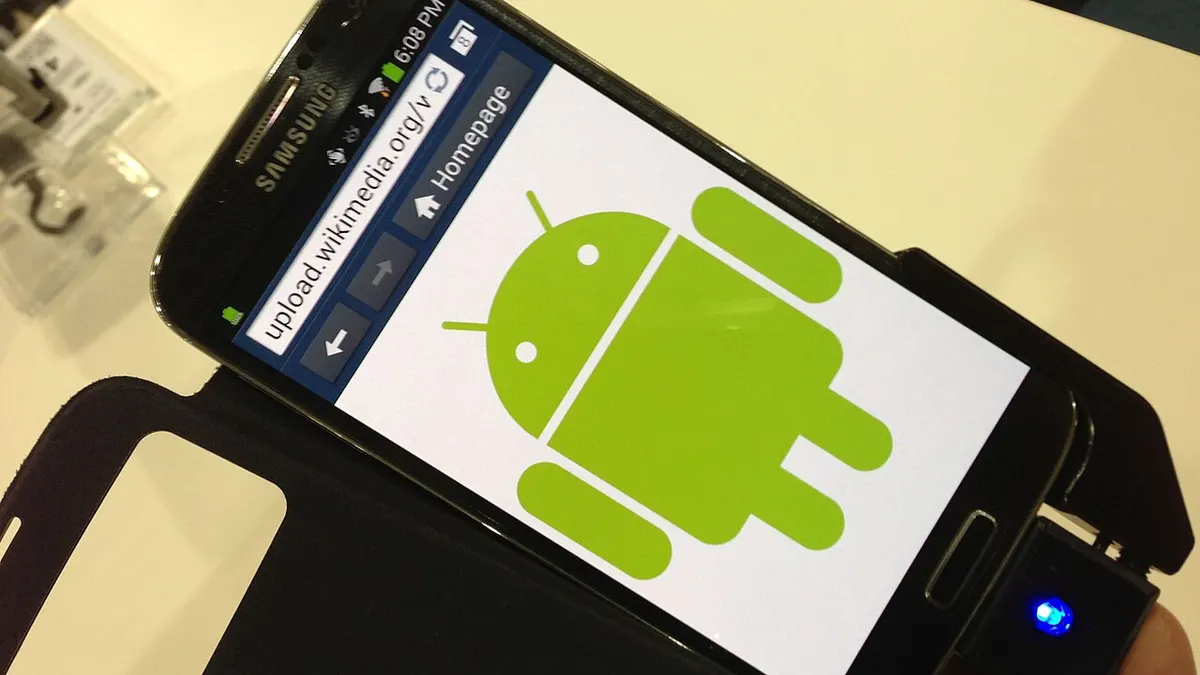
 An Android phone. Photo: Intel Free Press, CC BY-SA 2.0, via Wikimedia Commons
If you run a business in India or the US, many of your customers hold an Android phone. Building an app for them is a big decision, and most of the cost and risk sits in choices you make before anyone writes code. This guide explains how an Android app is built, what the tools do, how it reaches Google Play, and what to ask your developer.
The short answer
Android app development is the work of designing, building, testing and publishing an app that runs on Android devices. According to Google's Android developer documentation, Kotlin is the recommended language for modern Android development and Android Studio is the official integrated development environment. A typical business app goes through six stages: scoping, design, build, testing, staged release and maintenance. The software tools cost nothing; paying for the developers' time is the real expense.
The tools your team will use
You do not need to learn these, but you should know what they are so that quotes make sense.
Android Studio. Google describes it as the official IDE for Android app development, built on IntelliJ IDEA. Its documented features include a Gradle-based build system, an emulator, testing tools, lint checks that flag performance, usability and compatibility problems, and profilers for memory and CPU use. In plain terms it is the workshop where the app is written, tested on virtual phones and packaged.
Kotlin. Google's Kotlin page says the language is used by over 60 percent of professional Android developers, and claims that apps built with Kotlin are 20 percent less likely to crash. Both are Google's own figures, so treat them as the vendor's claims. Kotlin is open source under the Apache 2.0 licence.
Jetpack Compose. Android's modern toolkit for building the screens users see, built on Kotlin. Ask whether your team uses it for new apps.
Kotlin Multiplatform. Google lists it as a way to share code across Android, iOS and desktop. It is one option if you also need an iPhone version later.
If you want the iPhone side and the cross-platform tools compared, read our guide to mobile app development tools.
 Developers spend most of the project time on design, building and testing, not on tools. Photo: Crew crew, CC0, via Wikimedia Commons
The six stages of an Android project
1. Scoping
Write down who the app is for, the three to five things a user must be able to do, and how you will know it worked. A first version that does a few things well is cheaper and easier to test than one that tries to match a large competitor. This is also when you decide between native Android and a cross-platform approach; our native vs cross-platform guide walks through that choice.
2. Design
Designers produce screens and the flow between them before developers build. Review these on a real phone, not just on a laptop screen, and ask for different screen sizes to be considered, since Android runs on many devices.
3. Build
Developers write the app in Android Studio, connect it to your servers or a back end, and add services such as payments, notifications or login. Each of these connections should be listed in the contract along with who owns the accounts. See our note on who owns the code in an app contract.
4. Testing
Testing is where many projects save money in the wrong place. Google Play Console supports several levels:
- Internal testing lets you quickly share app bundles and APKs with up to 100 testers.
- Closed testing gathers feedback from a wider set of trusted testers.
- Open testing shows a test version on Google Play to a large group.
- Pre-launch reports check stability and performance, and Firebase Test Lab offers further options.
Google also states that developers with personal accounts created after 13 November 2023 must meet specific testing requirements before releasing on Google Play. Check the current rules for the account type you use, and consider an organisation account for a business.
5. Release
Create a Play Console developer account, which costs a one-time 25 US dollars according to Google's help page. You must be at least 18 to sign up, and Google may ask for a government ID and a credit card under your legal name. Google's release guidance says new apps are published in the Android App Bundle format, and that you should prepare for review times, which can be longer for certain categories of apps. Use a staged rollout to release to a percentage of users first and watch for problems.
6. Maintenance
An app is not finished at launch. Plan for bug fixes, new Android versions, policy changes and feature updates. Android vitals in Play Console reports technical quality metrics such as crash rate and ANR (app not responding) rate, and Firebase Crashlytics can alert you to issues once the app is live.
Common mistakes to avoid
- Starting without a clear first version. A long feature list delays launch and hides what users actually want.
- Skipping real-device testing. An app that works on the developer's phone may misbehave on others.
- Registering the store account in a developer's name. The Google Play account and cloud services should belong to your business.
- Ignoring policy. Google can remove apps that violate its Developer Program Policies, so ask who reviews them before each release.
- Forgetting the budget after launch. Maintenance is a regular cost, not an optional extra.
Cost and timeline
We do not quote a single price here, because it depends on features, design and integrations. Our app development cost guide for India shows ranges and what drives them, and our mobile app development service page explains how we scope projects.
Checklist before you hire
- A written list of the first-version features and what is left out
- Confirmation of Kotlin and Android Studio, or a reason for a different choice
- A test plan that includes real phones and the Google Play test tracks
- The Play Console account registered in your company's name
- Staged rollout and crash monitoring planned for launch
- Ownership of code, accounts and design files written into the contract
- A maintenance plan and budget for the first year
Key takeaways
- Kotlin and Android Studio are Google's recommended tools for new Android apps.
- The software is free; the cost is developer time, plus a one-time 25 US dollar Google Play registration fee.
- Use Google Play's internal, closed and open testing, and release in stages.
- Check testing requirements for new personal developer accounts before you plan a launch date.
- Keep accounts and code ownership in your business's name.
- Budget for maintenance after launch.
Sources
- Android Developers, Kotlin and Android: https://developer.android.com/kotlin
- Android Developers, Meet Android Studio: https://developer.android.com/studio/intro
- Google Play Console Help, Get started with Play Console: https://support.google.com/googleplay/android-developer/answer/6112435
- Google Play Console, Release with confidence: https://play.google.com/console/about/guides/releasewithconfidence/