A progressive web app (PWA) gives your customers an app-like experience, with an icon on the home screen, fast loading and some offline support, without building separate Android and iOS apps. The question most founders ask next is what it costs. Here are realistic USD ranges for 2026 and what moves the price.
PWA development cost at a glance
These are indicative prices for a fixed-scope build, not a quote. They match the ranges our quick estimate on the home page shows US visitors.
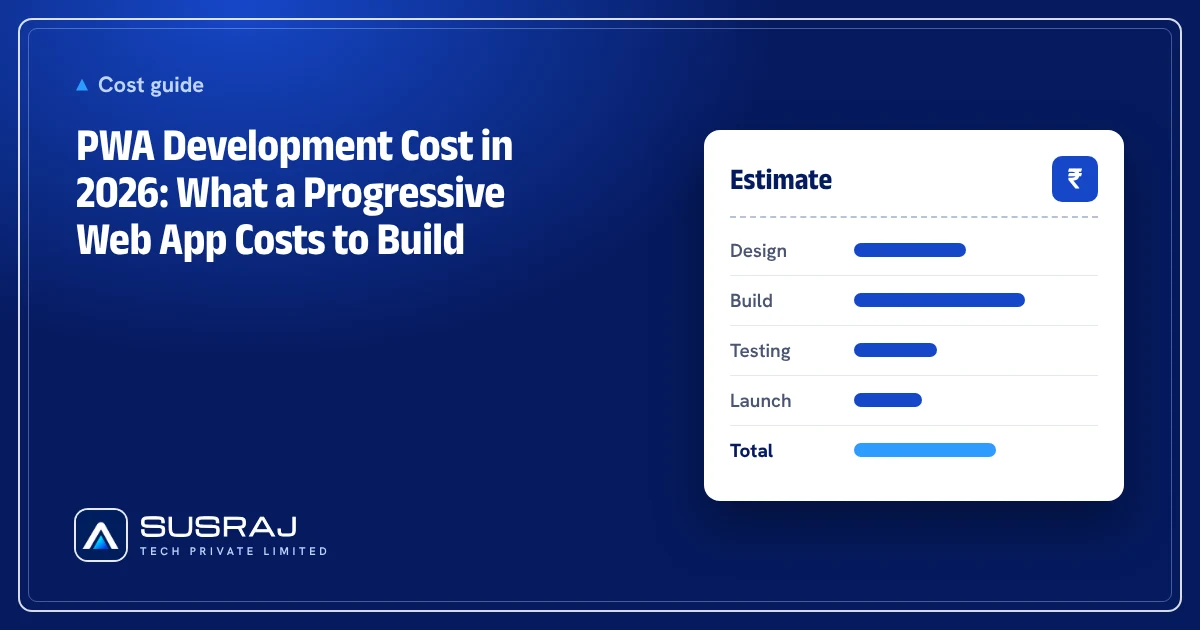
| What you build | What it includes | Typical price (USD) | Typical timeline |
|---|---|---|---|
| PWA business website | 5–10 pages, installable to the home screen, fast loading, offline fallback page | $500 – $1,200 | 1–2 weeks |
| PWA online store | Catalog, cart, checkout and payments, installable and fast on mobile | $1,200 – $2,500 | 2–3 weeks |
| PWA web app | User accounts, roles, dashboards and an admin panel, installable on any device | $2,500 – $6,000 | 3–4 weeks |
| Native mobile app, for comparison | Android and iOS app with a backend and store launch | $2,500 – $6,000 | Planned with the app |
For the same budget as a basic native app, a PWA can often cover phones, tablets and desktops at once. Our app cost calculator and website cost calculator let you compare the two for your own feature list.
What changes the price
- Offline support. A simple offline page is cheap. Letting users browse, fill in forms and sync later takes more planning and testing.
- Push notifications. Web push works on Android and desktop and, with limits, on iOS for apps added to the home screen. Each notification flow adds work.
- User accounts and roles. Logins, permissions and an admin panel move a PWA from website pricing to web app pricing.
- Payments. Checkout, subscriptions and refunds add build and testing time.
- Integrations. Each connection to your CRM, inventory or booking system adds cost. See what API integration involves.
- Device features. Camera, location and file uploads work well in the browser. Bluetooth, background tasks and some sensors are limited, which is when a native app becomes worth its extra cost.
PWA or native app?
Choose a PWA when your product is mostly content, forms, ordering or dashboards, you want one product for every device, and you want to ship updates without app-store review. Choose a native or cross-platform app when you need deep device features, background processing or a strong presence in the app stores.
Our full comparison of PWA vs native app covers performance, discoverability and limits in detail, and Flutter vs React Native explains how cross-platform apps keep native costs down.
Running costs after launch
- Hosting for the PWA and its backend, usually lower than running a website plus two separate apps.
- Third-party services such as email, payments, maps or push notification delivery.
- Maintenance: browser changes, security updates, bug fixes and small improvements. Budget for it every year instead of treating launch as the end.
How to keep the cost down
- Start with the pages or screens customers use most and make those installable and fast first.
- Add offline support only where it matters, such as a catalog or a saved form.
- Turn your existing website into a PWA instead of starting over, when the site is in good shape.
- Agree a fixed price for a fixed scope. Read fixed price vs time and materials to choose the model.
Get a written quote
Susraj Tech builds PWAs, websites and web apps for businesses in the US, India and worldwide through our web app and SaaS development service. Tell us what you want to build and we will send a free, written quote in USD with the scope, timeline and price.