More and more searches now end in an AI answer rather than a list of ten blue links. That worried many business owners: if Google answers the question itself, who clicks through to your website?
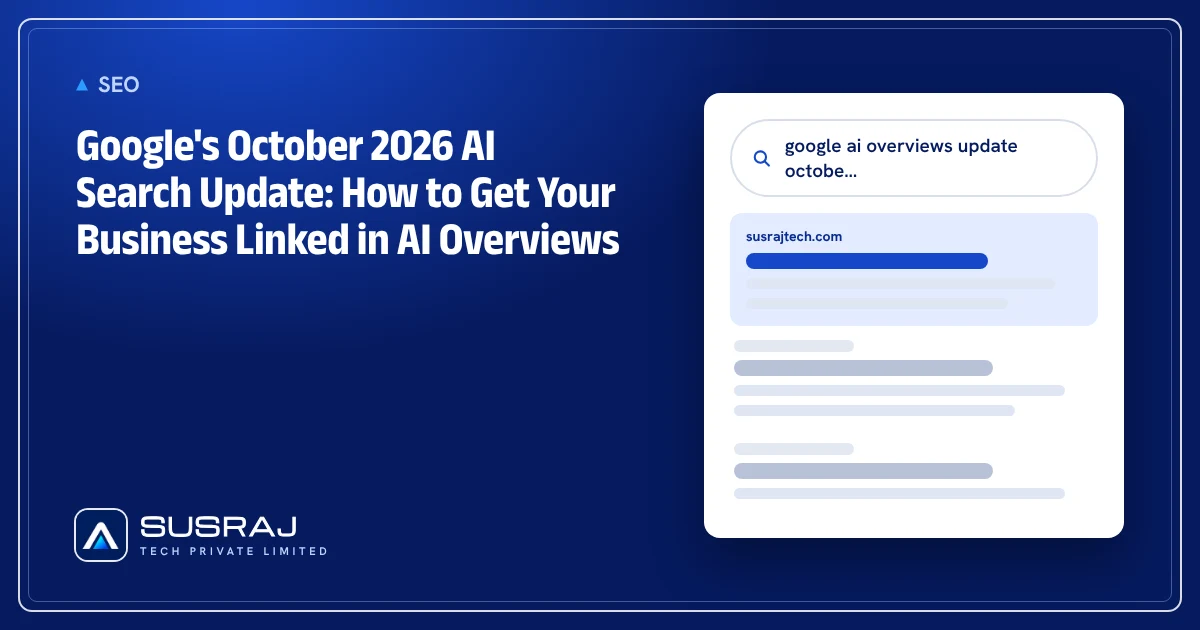
On 15 October 2026, Google announced changes that put more links to websites inside those AI answers. Here is what changed, what it means for a small or mid-sized business, and the practical steps to make your pages the ones Google links to.
What Google changed
In a post titled More ways to connect with the web from Search, Google listed five changes to AI Overviews and AI Mode (summary by PPC Land):
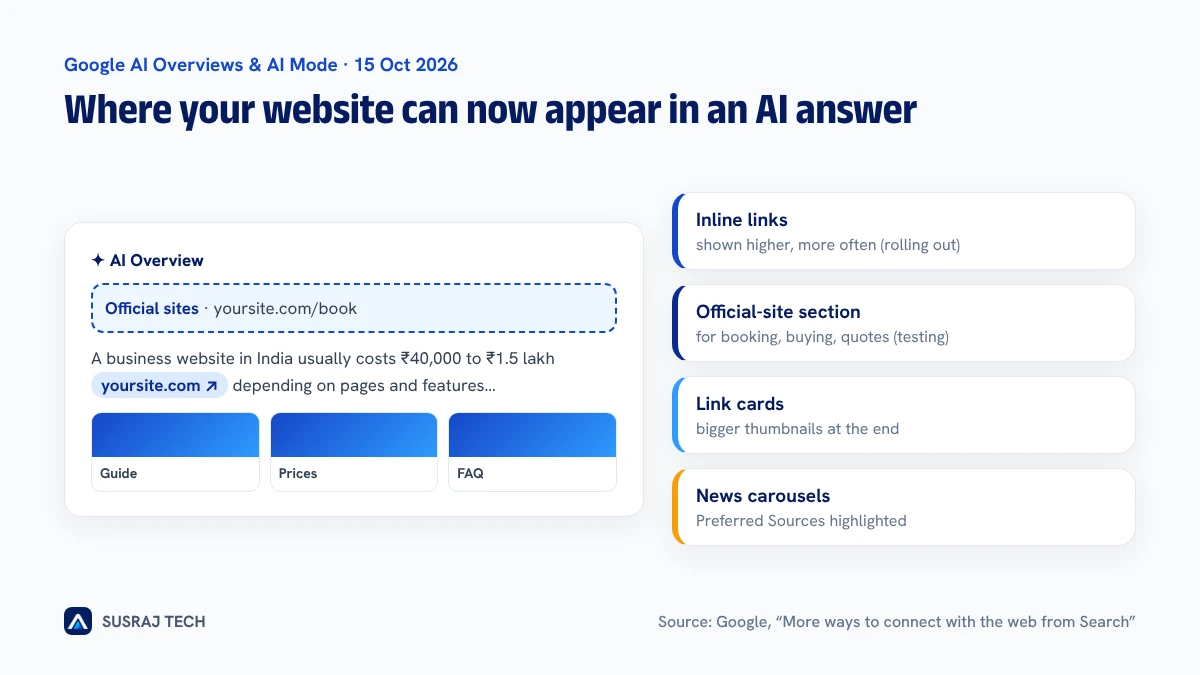 Where links to your website can now appear in Google's AI answers
| Change | Status | What it means for you |
|---|---|---|
| Inline links shown higher and more often | Rolling out | The pages cited inside the answer get seen before the reader scrolls |
| Official-site section for task searches | Testing | One or two "official" places to complete a task, for example booking or buying, can appear at the top |
| News carousels with Preferred Sources | Expanding to more countries and languages | Sites that readers mark as trusted show up more for timely topics |
| Bigger link cards at the end of answers | Rolling out | Thumbnails and a more clickable design for related pages |
| Clickable creator and publisher names on videos in AI Mode | Testing | Your brand profile can get a direct click |
Google also said use of Preferred Sources has grown more than 7x since the start of 2026. It did not share data on how many extra clicks these links produce.
Why this matters for businesses
AI answers do not replace your website; they choose which websites to send people to. When someone asks "how much does a website cost in India" or "best app development company for a clinic", the AI answer now shows a handful of sources more prominently. Being one of those sources is the new page-one.
For most service businesses, the opportunity is in specific questions with buying intent:
- "cost of building an e-learning app in India"
- "PWA or native app for a restaurant"
- "how long does it take to build a delivery app"
These are questions a well-written page on a small site can answer better than a large generic one.
8 steps to get your business linked in AI answers
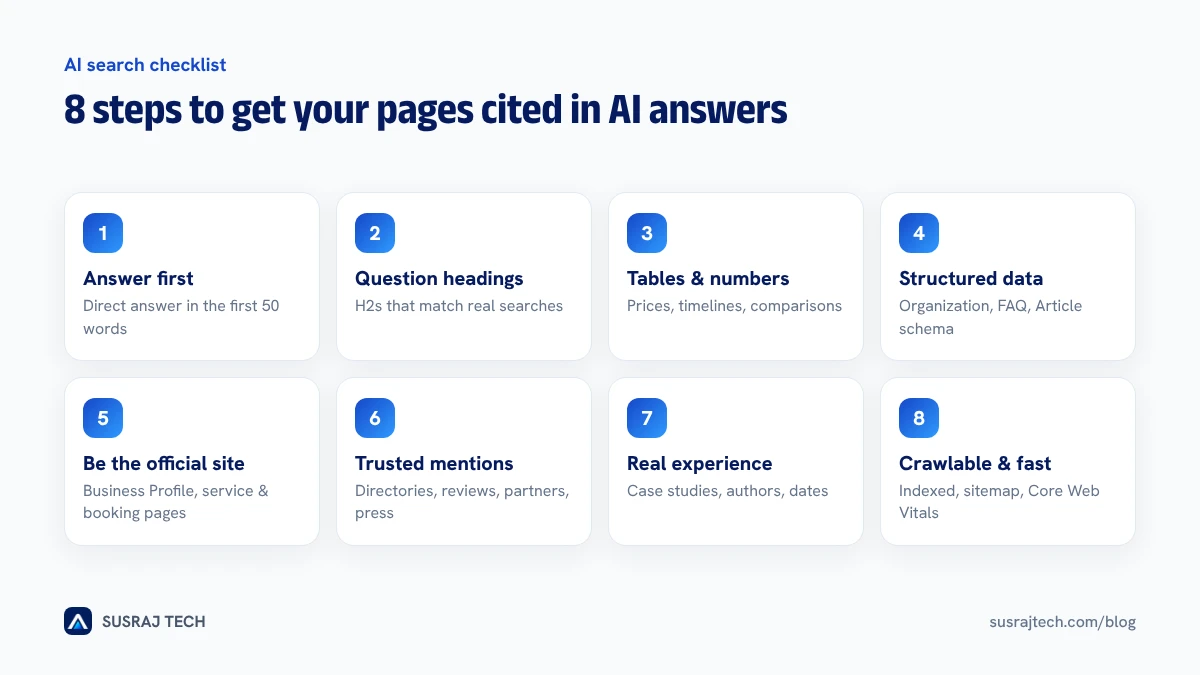 Eight steps that make a page easy for Google's AI answers to cite
1. Answer the question in the first 50 words
Start each important page with a direct, factual answer in two or three sentences, then explain. AI systems pull from clear statements such as "A business website in India typically costs ₹40,000 to ₹1.5 lakh", not from long introductions.
2. Use clear headings that match real questions
Write H2 and H3 headings the way people search: "How much does it cost?", "How long does it take?", "PWA vs native: which is better?". Each section should make sense if it is read on its own.
3. Add tables, numbers and lists
Comparison tables, price ranges, timelines and step-by-step lists are easy to extract and cite. Our website cost guide and PWA vs native comparison are built this way.
4. Add structured data
Use Organization, LocalBusiness or ProfessionalService, FAQPage, BreadcrumbList and Article schema. It does not guarantee a citation, but it helps Google understand who you are and what each page covers. You can create FAQ markup with our free FAQ schema generator.
5. Make your business the "official" answer
The new official-site section is for tasks, such as booking, ordering or getting a quote. Help Google identify your site as the official place for your brand:
- a complete Google Business Profile with the same name, address and phone as your website,
- clear service pages with prices or starting prices,
- a simple contact or booking page that works on mobile.
6. Build mentions on trusted sites
AI answers lean on sources Google already trusts. Get your business listed and mentioned on industry directories, review platforms, local news, partner websites and LinkedIn articles. Every genuine mention makes your brand easier to recognise.
7. Show real experience
Add case studies with real numbers, named authors with a short bio, photos of your team and work, and dates showing when content was last updated. Google's quality guidelines put weight on first-hand experience, and AI answers increasingly reflect that.
8. Make sure Google can crawl and index everything
None of the above matters if Google cannot read the page. Check that:
- important pages are indexed in Search Console,
- your sitemap is submitted and up to date,
- pages load fast on mobile (see our Core Web Vitals guide),
- robots.txt does not block Googlebot.
Our technical SEO and AEO checklist covers this step by step.
Ask readers to add you as a Preferred Source
If you publish news or regular updates for your industry, ask loyal readers to add your site as a Preferred Source in Google Search. With usage up more than 7x this year, it is becoming a real way for smaller publishers to appear in Top Stories and news carousels.
How to measure the impact
Google Search Console does not separate AI Overview clicks yet, but you can watch:
- impressions and clicks for question-style queries,
- average position for your key service pages,
- enquiries by landing page in Google Analytics, which tells you whether the visitors are buyers.
Check these every week for the next two months as the rollout continues.
Want your website ready for AI search?
Susraj Tech builds fast, well-structured business websites with schema, answer-first content and technical SEO done properly from day one. If your current site is not showing up in Google or AI answers, ask for a free AI search check. We will review your key pages and send you a short list of fixes.