
Security appliances sit at the edge of a network, so their admin pages are some of the most valuable doors in the building. Barracuda has disclosed two vulnerabilities that, if combined, could give an attacker root control of an affected email or web security device. The vendor stresses that the attacker needs access to the administrative interface first. This guide covers what has been published, how to check your own appliances, and the habits that cut the risk for any device with an admin page. It does not describe how to exploit anything, and we have not tested it.
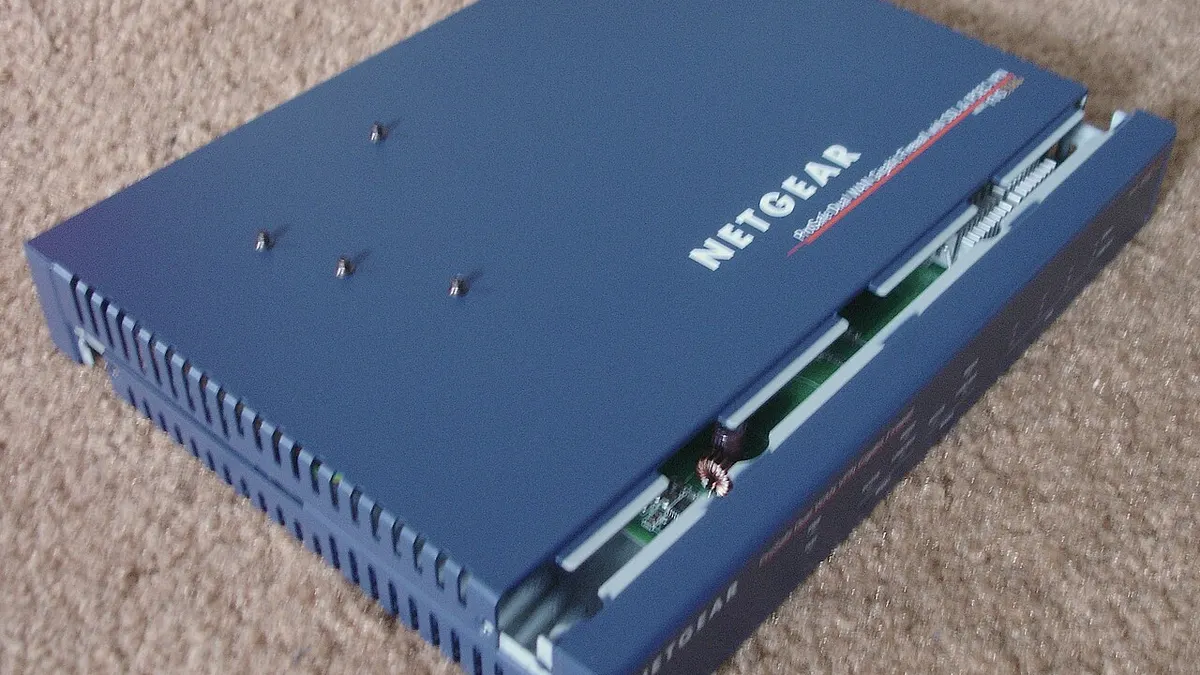 Security appliances run their own firmware, which needs updates like any server. Photo: Zuzu, CC BY-SA 3.0, via Wikimedia Commons
The short answer
- Two flaws: CVE-2026-116606 (pre-authentication authorization bypass, CVSS 9.3) and CVE-2026-111560 (command injection, CVSS 8.6), according to The Hacker News.
- Affected: CVE-2026-116606 affects the Email Security Gateway only. CVE-2026-111560 affects six Barracuda products: Email Security Gateway, Load Balancer ADC, Message Archiver, WAF Control Center, Web Application Firewall and Web Security Gateway.
- Condition: Barracuda says successful exploitation requires access to the administrative interface.
- Chained impact: bypass of authorization controls and root access to the device.
- Fix: install the latest firmware and all security patches. Rapid7's record lists Email Security Gateway versions earlier than 9.4.0.030 as affected, and Barracuda's notice for Web Security Gateway points to firmware 15.0.0.009 or later.
- Also do: keep the admin interface on a trusted internal network.
What was published
Barracuda's notice for CVE-2026-111560 says the flaw is a command injection issue and that exploitation requires access to the administrative interface. A command injection flaw means the product passes untrusted input to a system command without proper checking. The NVD summary for the flaw describes it as improper neutralisation of shell metacharacters in a timezone configuration field in certain Barracuda appliance products. For the other flaw, Rapid7's record says an authentication bypass in Barracuda Email Security Gateway versions earlier than 9.4.0.030 lets an unauthenticated remote attacker cause unauthorised changes to the appliance's global configuration.
The Hacker News reports Barracuda's overall conclusion. If both are used together, an attacker could bypass authorization controls and gain root access. Barracuda says organisations that do not expose the admin interface to the internet are less vulnerable to this attack path, and tells customers to confirm they run the latest firmware with all patches. If a device is several versions behind, more than one update may be needed.
The sources we read did not report attacks in the wild, and we did not verify the vendor's product-by-product version table beyond the entries quoted above. Check Barracuda's Trust Center advisory for your exact model before you act.
Update, 6 November: the chain has been demonstrated
Two days after Barracuda's advisory, the security firm watchTowr published a technical analysis of how the two flaws fit together. The Hacker News summarises it this way: a failed password change on the Email Security Gateway leaves the request with a low-privilege role instead of stopping it, which exposes a backup-restore function to someone who has not logged in. A restored backup can change the appliance's settings, including a timezone value that the command-injection flaw later turns into a root command. The report adds that the backup check can be forged, and that watchTowr showed the result by writing a file as root. We are not repeating the steps, and watchTowr is reported to have released a detection tool but not an exploit.
Two points matter for owners. First, the practical risk is higher than the advisory's wording suggests for the Email Security Gateway, because the bypass itself provides the admin access the second flaw needs. Second, The Hacker News reports no public attack and no listing in CISA's Known Exploited Vulnerabilities catalog so far, and says Mandiant assigned the CVE records and rates the two flaws 9.3 and 8.6. Barracuda's advisory gives patch references per product: BNSF-40425 for Email Security Gateway firmware 9.4.017 and later and BNSF-40430 for earlier versions, plus BNADC-16586, BNMA-32468, BNWF-60060 and BNYF-24789 for the other affected products. If your Email Security Gateway is not on 9.4.0.030 or later, patch it first and keep its admin page off the internet until then.
Why admin interfaces matter so much
An admin interface is the control panel for a device. Anyone who can reach it and then get past its checks can change settings, read data or, in the worst cases, run commands. Appliances often handle the most sensitive traffic a business has: inbound email, web browsing and applications. A compromised email gateway, for instance, can see messages and can change what is allowed through.
Many of these flaws only matter if the admin page is reachable. Putting it on a private management network or limiting it to a few trusted addresses turns many remote flaws into much smaller problems. It does not replace patching, but it buys time.
What to do this week
- List your Barracuda and similar appliances. Include any run by an IT provider, hosted at a branch office or sitting in a cupboard. Note the product and firmware version.
- Check the installed firmware. In Barracuda's Web Security Gateway notice, the firmware page in the admin interface shows the current installed version, and the notice gives steps to confirm the update after it installs. Ask your provider to do the same for other models.
- Apply all firmware and security updates. If the device is several versions behind, expect to repeat the process until it reaches the latest version.
- Check where the admin page is reachable from. From outside your network, the admin address should not respond. If it does, restrict it to your office addresses or a VPN.
- Use strong, unique admin sign-in. Remove unused administrator accounts and turn on two-step sign-in where the product offers it.
- Review recent configuration changes. Look in the audit or change log for unexpected setting changes, particularly mail routing, allowed senders and new admin users.
- Back up the configuration. Keep a recent copy of the settings off the device so you can compare and restore.
- Plan for end of life. If a model no longer receives firmware, plan its replacement and keep it away from the internet in the meantime. Our post on Cisco ASA and FTD updates shows the same routine for another vendor.
If you want help reviewing how your network devices and email security are set up, our custom software development service and website development service can fit it into a wider review. Our Ivanti Connect Secure post shows what a compromise check on an edge device looks like.
A decision guide
- You run Email Security Gateway: it is the only product affected by both flaws. Check the firmware and install every update.
- You run Web Security Gateway, WAF, Load Balancer ADC, Message Archiver or WAF Control Center: CVE-2026-111560 applies. Install the vendor's updates.
- Your admin page is reachable from the internet: restrict it today, then patch.
- Your admin page is internal only: patch on an urgent schedule and keep access limited to the people who need it.
- You do not know what your provider manages: ask for a list of devices, firmware versions and who can reach each admin page.
- Your device is end of life: plan a replacement.
Common mistakes to avoid
Assuming "admin access required" means safe. Admin pages that face the internet, or are reachable from a compromised laptop, are within reach.
Updating once and stopping. If the firmware is several versions behind, one update may not get you to the fixed release.
Not verifying the result. Check the installed version after the update and reboot.
Leaving the default or shared admin account. Use named accounts so you can see who changed what.
Forgetting small appliances. A branch office email gateway counts as much as the main one.
Checklist for your team
- List every Barracuda and other network appliance with product and firmware version.
- Read Barracuda's Trust Center advisory for your product.
- Install the latest firmware and security patches.
- Confirm the installed version after the update and reboot.
- Block the admin interface from the internet.
- Limit admin access to a management network, VPN or named addresses.
- Remove unused admin accounts and turn on two-step sign-in.
- Review the configuration change log for unexpected changes.
- Save a recent configuration backup off the device.
- Plan replacement for devices that no longer receive firmware.
Key takeaways
- Barracuda disclosed CVE-2026-116606 (CVSS 9.3) and CVE-2026-111560 (CVSS 8.6), which could be chained to obtain root access.
- Exploitation requires access to the administrative interface, so keeping it off the internet reduces risk.
- Update to the latest firmware, repeating if you are several versions behind, and verify the installed version.
- Check your configuration log for unexpected changes after patching.
- Admin-page hygiene applies to every network appliance, not only Barracuda.
Want a second opinion on your network and email security setup? Look at our custom software development service or talk to our team.
Sources
- Barracuda documentation: Command Injection Vulnerability in Certain Barracuda Networks Products (CVE-2026-111560)
- Rapid7: CVE-2026-116606 record, Barracuda Email Security Gateway
- Barracuda Trust Center: Pre-Authentication Authorization Bypass and Command Injection Vulnerabilities (2 November 2026)
- The Hacker News: Barracuda Flaws Could Be Chained to Bypass Authorization and Gain Root Access (3 November 2026)
- The Hacker News: Experts Demonstrate Barracuda Email Security Gateway Chain Enabling Root Access Without Login (6 November 2026)
- watchTowr Labs: Barracuda Email Security Gateway pre-auth remote root RCE analysis
Last reviewed 6 November 2026. This article is general information, not a guarantee of protection. Details come from a vendor notice, a vulnerability database and a news report and may change.